
CX Test Automation Manager (CXTM) provides a user with tools for validating all Cisco network equipment at any scale. Built on a micro-services architecture, CXTM can manage test case metadata, test case automation and execution, logging, and reporting. Built on top of a REST API, CXTM can be accessed by orchestration tools like Jenkins or GitLab for pipeline integration. CX Test Automation Manager exists to accelerate your NetDevOps story.
Use the HTTPS link below to browse to CX Test Automation Manager (CXTM):
Note: This lab content was developed on CXTM Version 24.2.2.
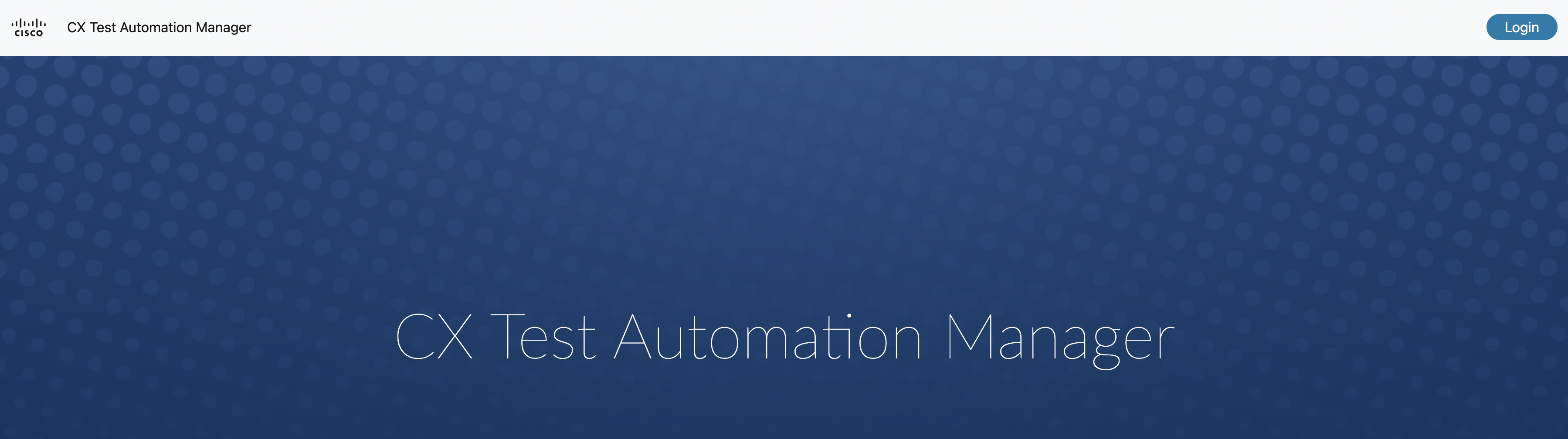
Once at the CXTM home screen, you need to:
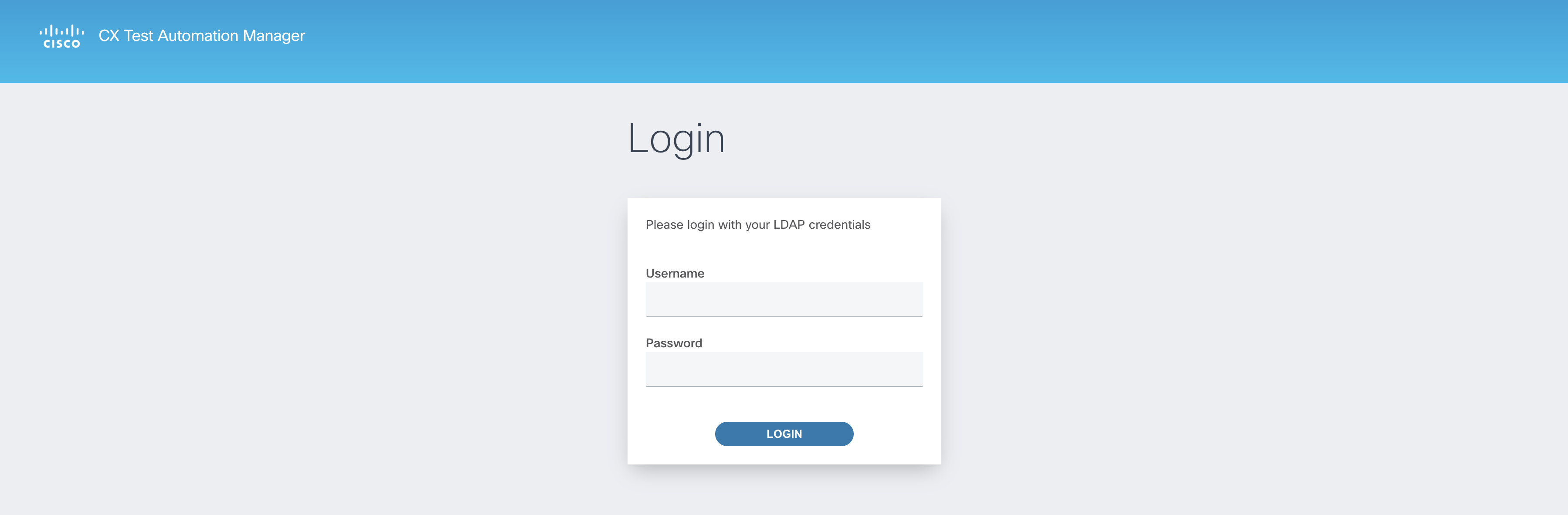
You will be redirected to a login splash screen. Enter the provided username and password:
The navigation breadcrumbs at the top of the page identify your current location in the GUI and update dynamically. Each level
in the breadcrumbs provides a hyperlink to easily hop back to any location in the path.

The expandable sidebar menu is a helpful feature to quickly navigate to CXTM pages from any location in the GUI.
Like the navigation breadcrumbs, the sidebar menu options will update depending on your location in the GUI.

By default, the menu will automatically collapse as you navigate through the CXTM GUI. It can be pinned to always stay expanded.

Continue to the next section to learn about CXTM projects.